Monica AI Review 2026: I Tested the Max Plan — Is the 33% Flash Sale Worth It?
Browser AI assistants promise to save you from tab-hopping between ChatGPT, Claude, and Gemini — but most only wrap one model. I spent time inside Monica AI's Max plan to see whether stacking GPT-5.5, Claude 4.6 Sonnet, and Gemini 3.1 Pro into a single sidebar actually changes how you browse, write, and research, and whether the current Flash Sale makes it worth signing up for.
What Is Monica AI?
Monica is an all-in-one AI browsing assistant available as a Chrome/Edge extension, a desktop app (Windows and Mac), and mobile apps (iOS and Android). Instead of opening a new tab for every AI task, Monica drops a sidebar and smart toolbar directly onto the page you're already on, giving you chat, web search, writing help, translation, and image generation without breaking your flow. It's built for a mix of use cases — students summarizing readings, developers debugging in an IDE, marketers drafting copy, and researchers digging through PDFs.
Hands-On With the Monica Max Plan
One Sidebar, Every Leading Model
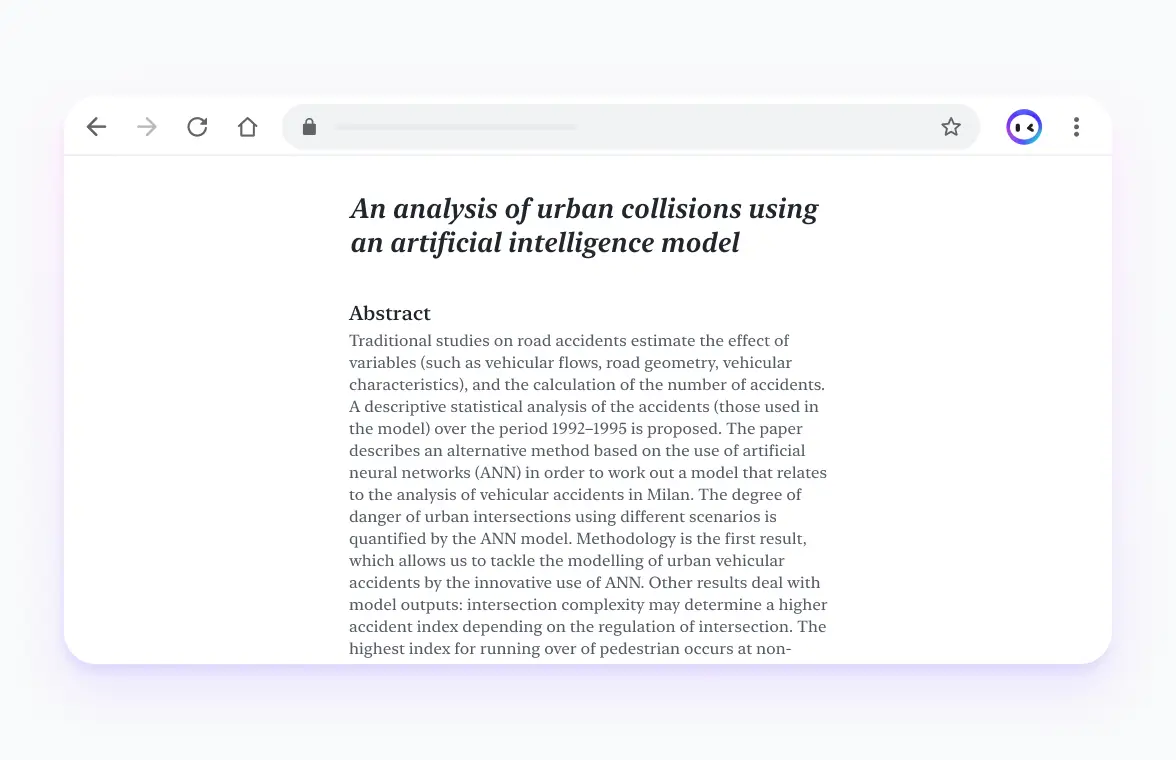
The headline feature of the Max plan is unlimited access to both the basic model tier (Claude 4.5 Haiku, Gemini 3.1 Flash-Lite, GPT-5.4 mini) and the advanced tier (GPT-5.5, Claude 4.6 Sonnet, Gemini 3.1 Pro). Rather than picking one AI provider and living with its blind spots, Monica lets you switch models mid-task or compare answers side by side — genuinely useful when you want a second opinion on a tricky prompt without copy-pasting between four different websites.
Image, Video, and the AI Agent Toolkit
Max also unlocks Monica's creative and agentic stack: image generation through Nano Banana 2 and GPT Image 2, video generation via Sora 2 and Veo 3, plus the AI Agent tools — Deep Research, Create Slides, Image Studio, and Browser Operator. These draw from a monthly pool of Advanced Credits (4,500 on Max), so heavy video generation will eat that allowance faster than a quick image edit.
Writing, Translation, and ChatPDF Without Leaving the Page

The smart toolbar's writing assistant, webpage/PDF translator, and ChatPDF tool are the features I reached for most day-to-day. Highlighting a paragraph and getting an instant rewrite or summary, or dropping a PDF in for a quick breakdown, is faster than uploading files into a separate chat app each time.
Monica Pricing: Free vs Pro vs Max vs Ultra
Monica runs four tiers. Here's how they compare based on the current pricing page:
- Free ($0): 40 basic-model accesses per day, limited trial access to image/video generation, ChatPDF, and AI Agent.
- Pro ($8.3/mo billed annually, $99/year): 5,000 basic-model queries and 200 advanced-model queries per month, plus 1,500 Advanced Credits for image/video/agent tools.
- Max ($16.6/mo billed annually): unlimited basic and advanced model access, full AI Agent toolkit, 4,500 Advanced Credits, 5 login devices, priority email support. Currently on a 33% Flash Sale, bringing the annual price down from $299/year to $199/year.
- Ultra ($82.9/mo billed annually, $995/year, 17% off): the same unlimited access as Max, scaled up to 20,000 Advanced Credits for much heavier agent/image/video usage.
Pros and Cons After Testing Max
What I Liked
- Genuinely one sidebar for chat, search, writing, translation, and image/video generation — no juggling separate subscriptions.
- Unlimited access to GPT-5.5, Claude 4.6 Sonnet, and Gemini 3.1 Pro on Max removes the constant mental math of "do I have queries left."
- The writing assistant and ChatPDF tools work inline on almost any page, which saves real time versus copy-pasting into a separate app.
Where It Could Improve
- Advanced Credits are a separate, capped resource from the unlimited chat access — heavy Deep Research or video generation users on Max may still want to watch their usage.
- With this many features packed into one toolbar, there's a learning curve before you've found everything on offer.
- Mobile and desktop apps don't carry quite the same feature depth as the browser extension, which is where Monica feels most at home.
Final Verdict: Is Monica AI Worth It?
If you regularly bounce between ChatGPT, Claude, and Gemini tabs, or you're paying for more than one AI subscription already, Monica's Max plan consolidates that into one tool and one bill. The free tier is a reasonable way to test the sidebar experience first, but the unlimited advanced-model access is what makes Max the plan worth paying for once you're using it daily.
Right now the Max plan is available with a 33% Flash Sale discount when billed annually. You can check current pricing and grab the Monica AI discount here before signing up.
For students or professionals who just want to try the sidebar without commitment, the Free plan is still a solid entry point — but if you decide to upgrade, use the latest Monica offers on Zuba Reviews to get the best available rate.
Popular Blog